
AI QR menus for cafés
Snap your menu.
Serve it beautifully.
SaveMenu turns one photo of your paper menu into a stunning QR menu with professional AI food photography. Live in minutes.
How it works
Live in three steps
Going digital used to take weeks. Now it fits in a coffee break.
Snap
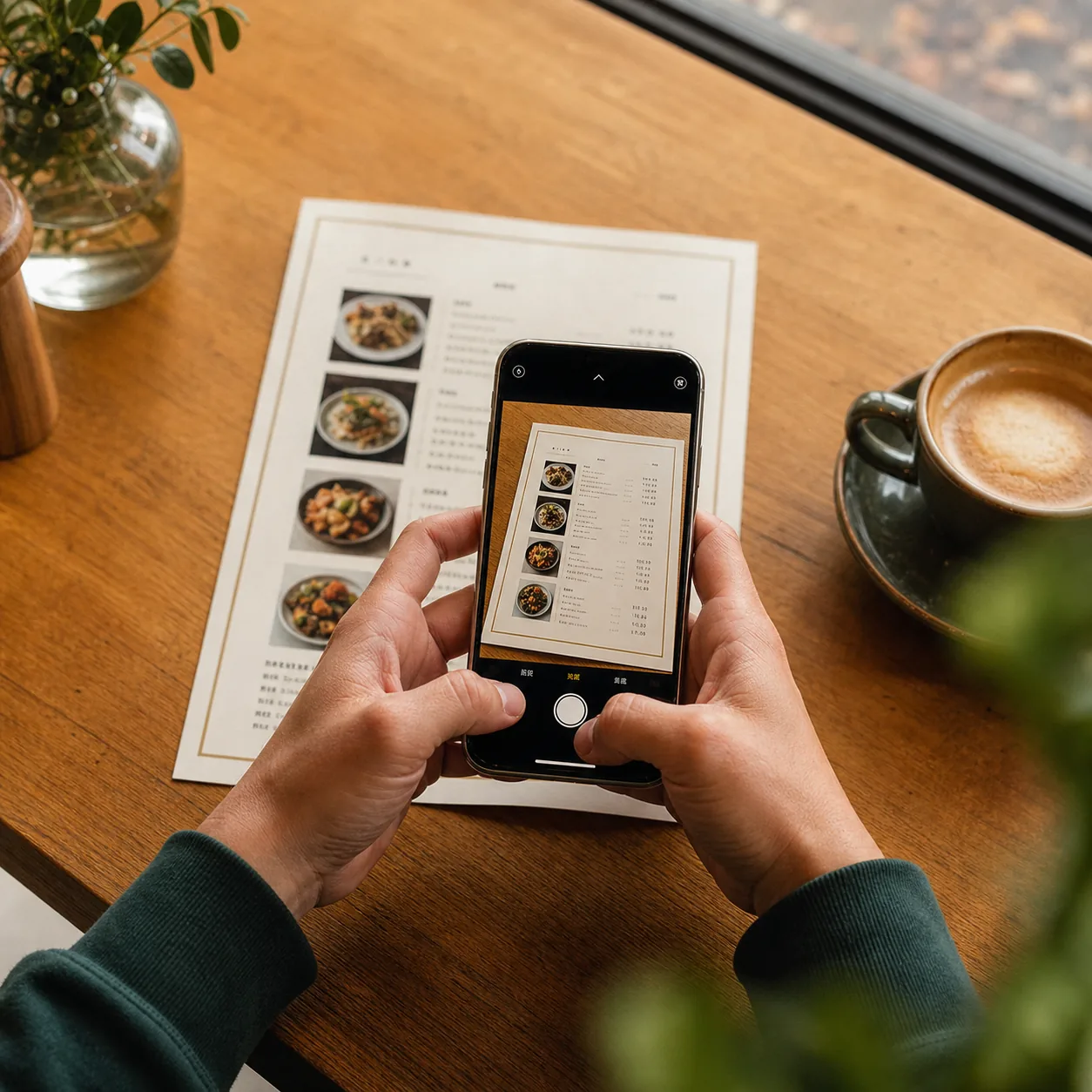
Photograph your existing menu. No typing, no spreadsheets, no setup calls.
Let AI do the work
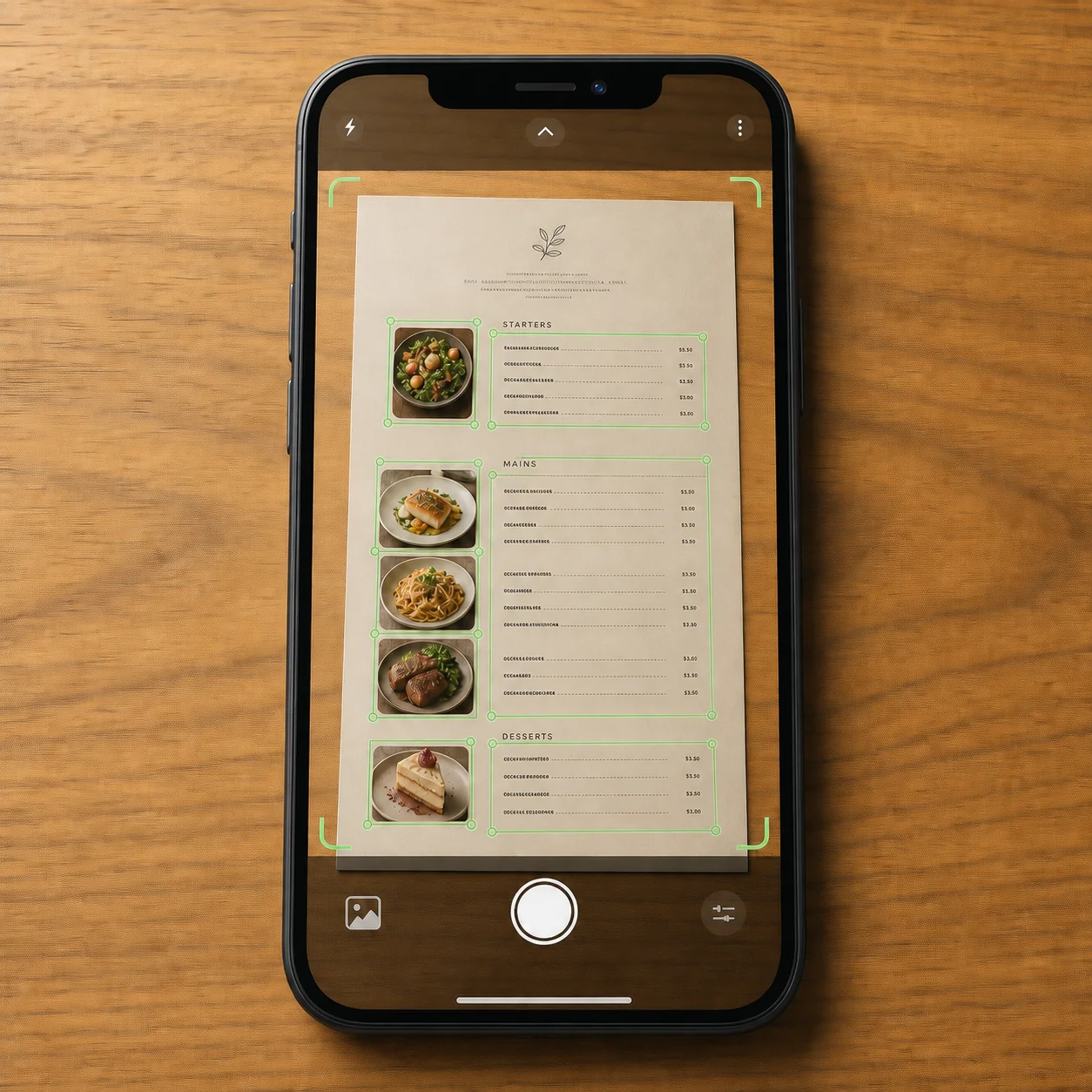
Dishes, prices, and categories are extracted automatically. This is the real app, reading a real menu.
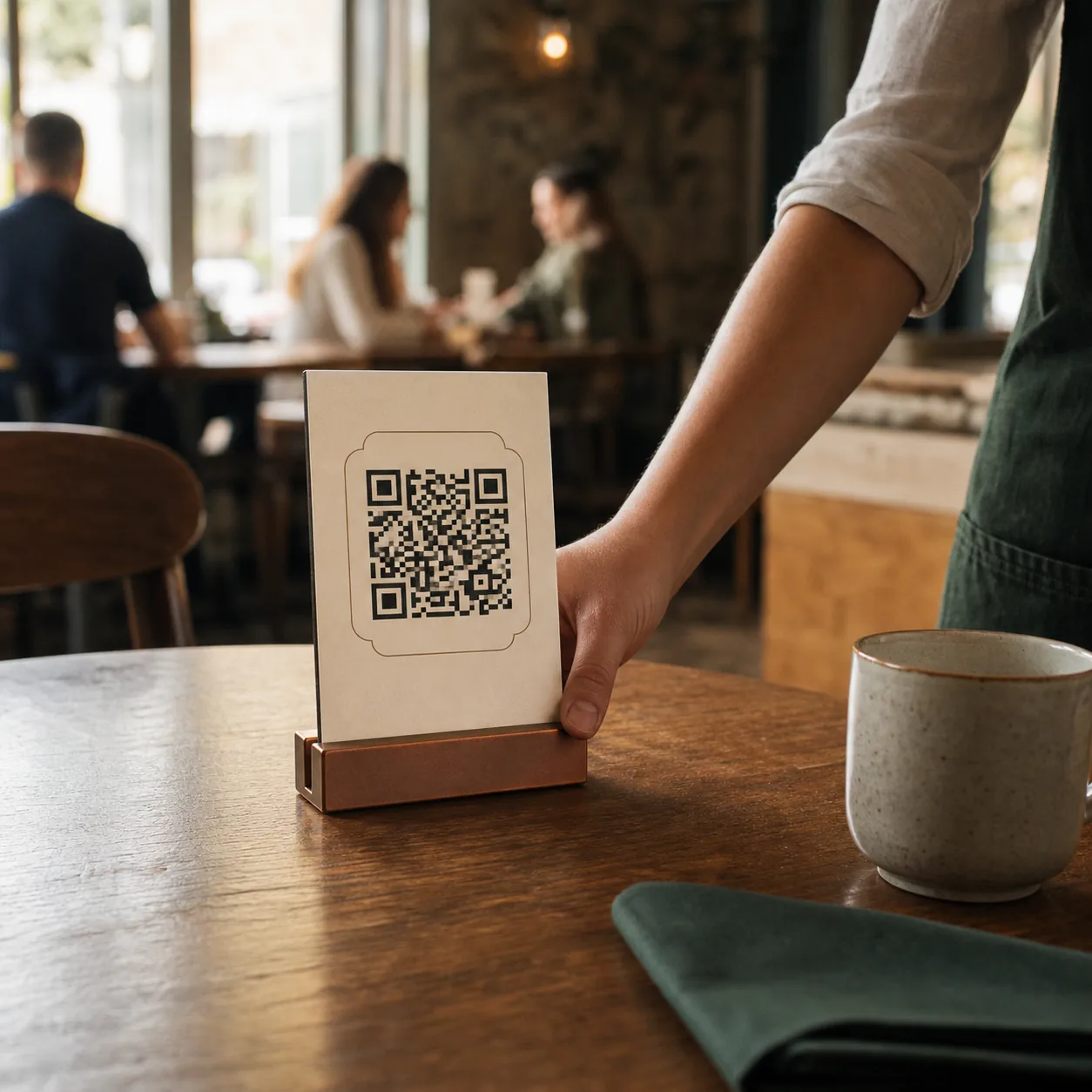
Put it on the table
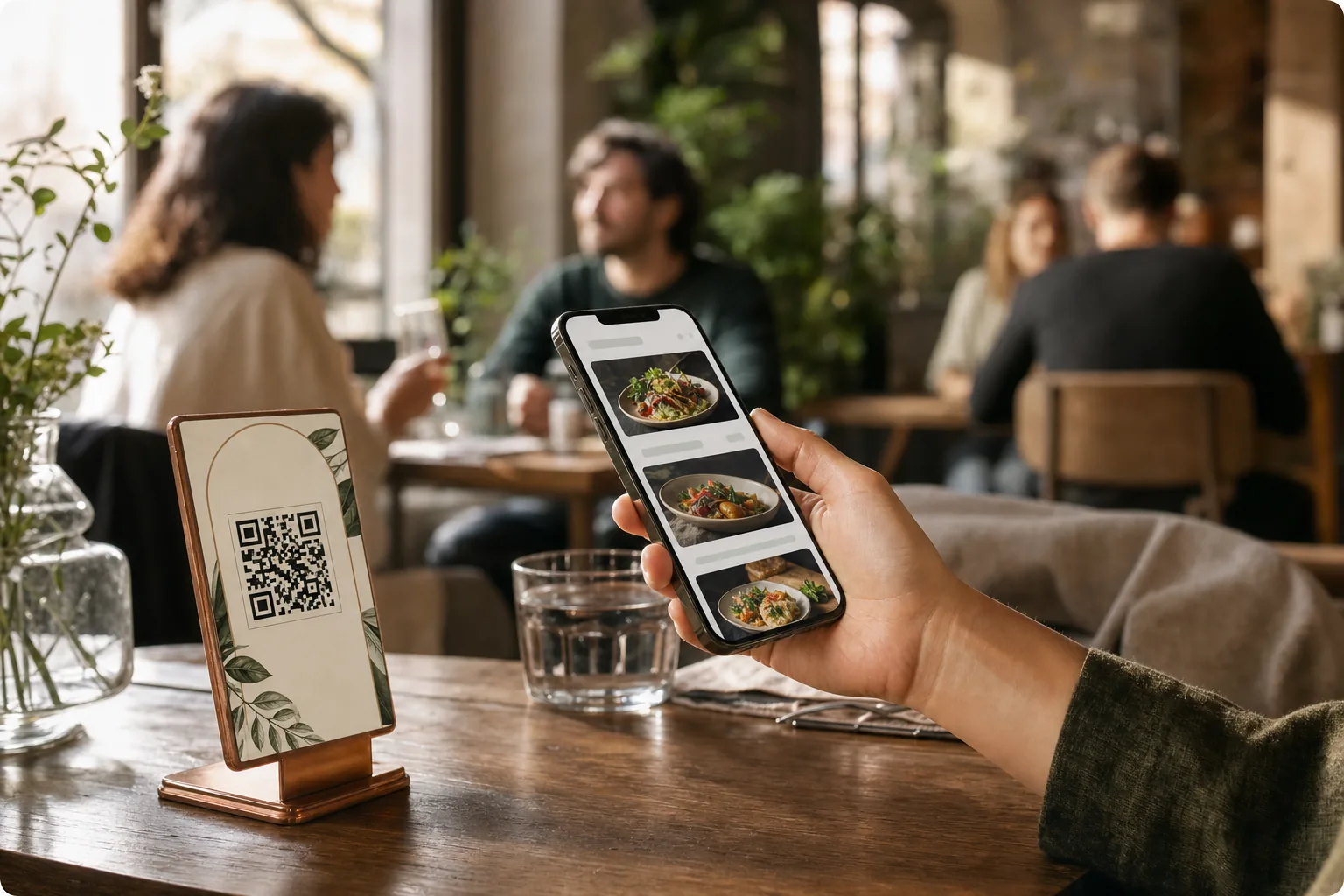
Print your QR code. Guests scan and browse instantly, no app needed.
AI food photography
Photos that sell the dish
Drag the handle. One smartphone photo, upgraded until guests cannot resist ordering it.
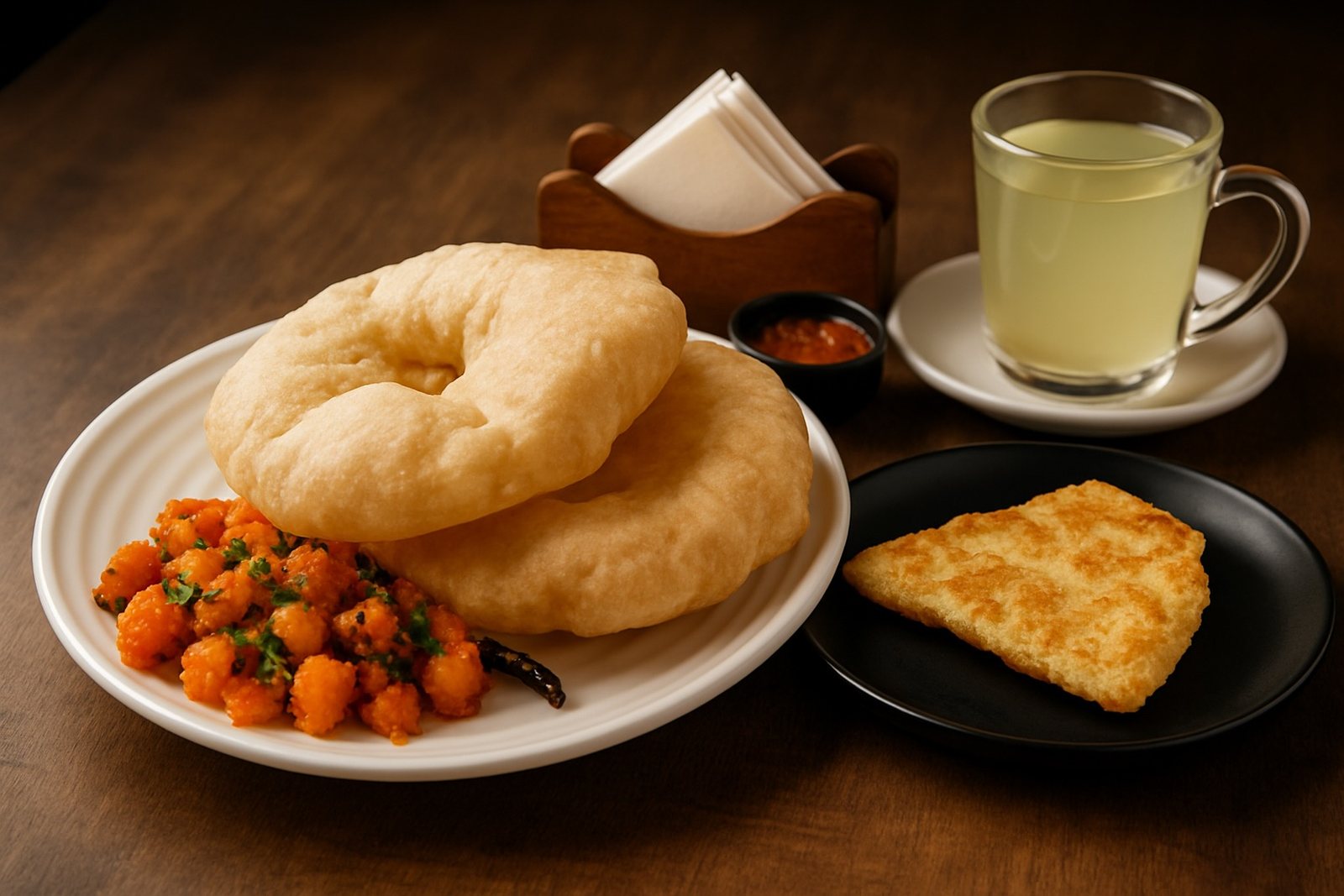
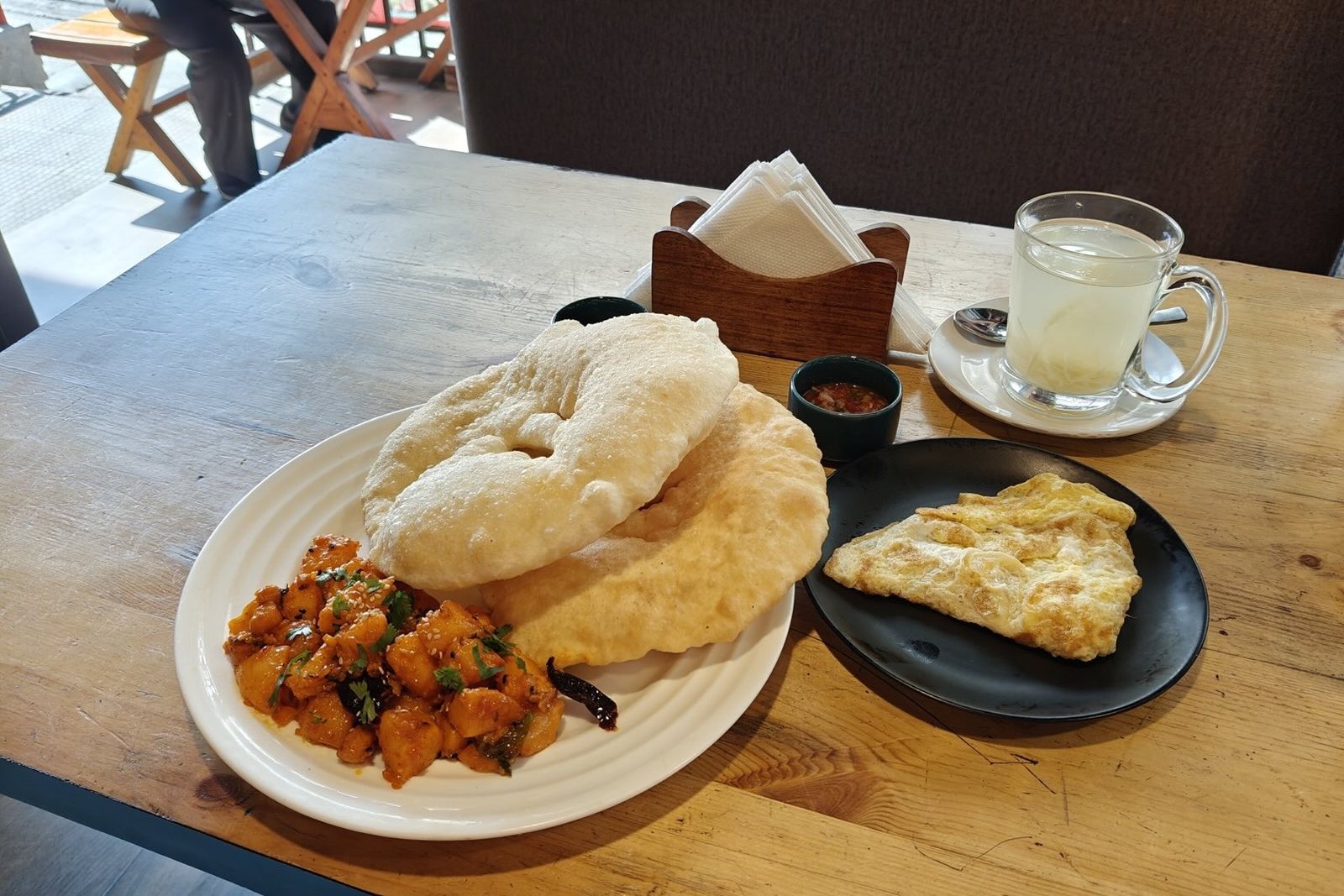 Original
Ordering
It takes orders too
Your QR menu is also a counter. Guests browse, pick, and order without waving anyone down. Free for your first 10 ordering guests every month, unlimited on Plus.
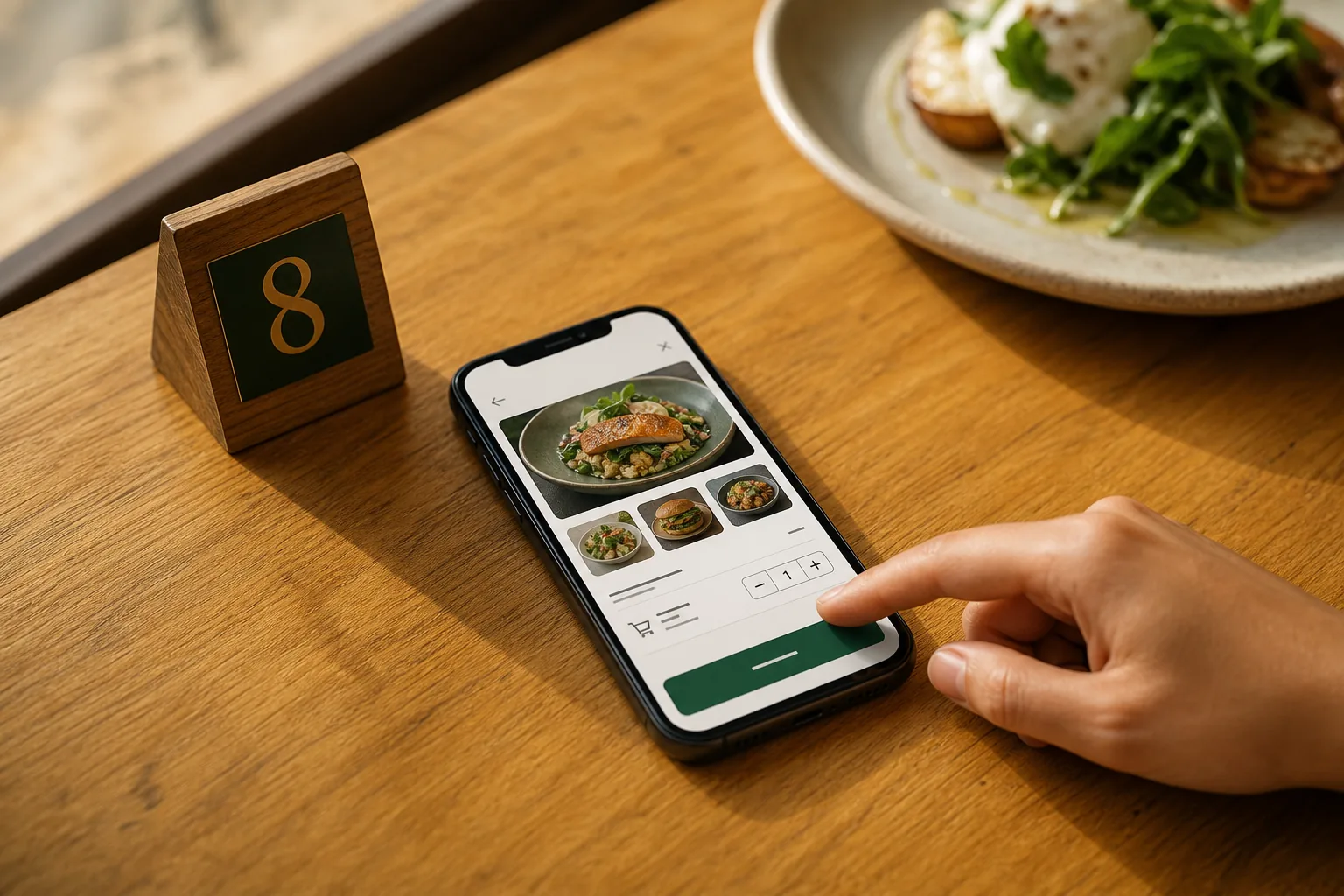
Orders from the table
Guests order straight from the menu. Dine-in with table numbers, or takeaway with daily token numbers your staff already understand.
Orders on WhatsApp
Prefer to keep it simple? Orders arrive as a ready-made WhatsApp message. No new workflow to learn.
Call a waiter
Guests tap once to call staff or ask for the bill. Your phone alerts you with the table number, and the guest sees when you're on the way. Plus plan.
Kitchen display
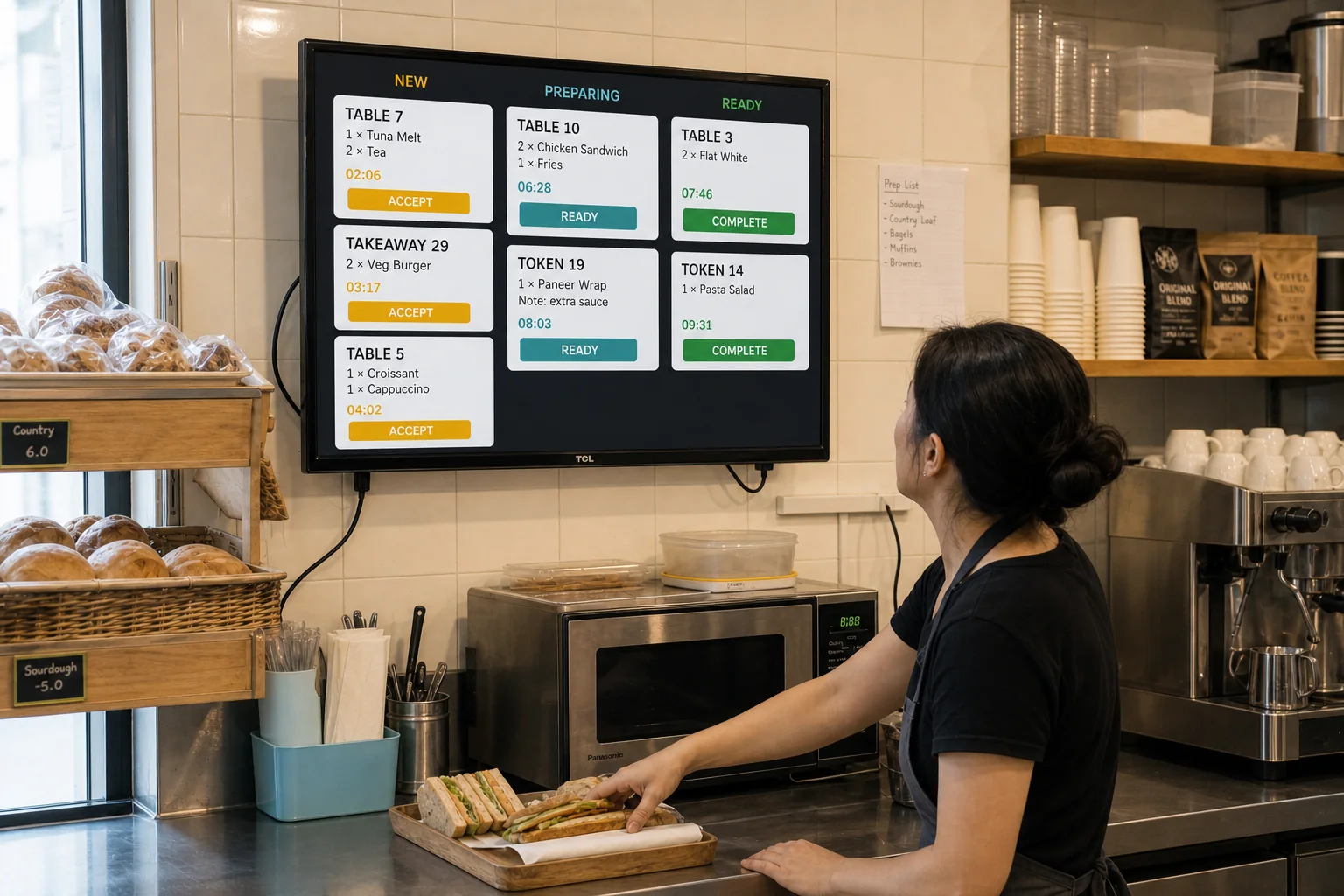
Kitchen Display on any screen
Turn any monitor into a live kitchen queue. Pair it once by scanning a QR code, and new table, takeaway, and WhatsApp orders appear the moment guests place them.
Why SaveMenu
Why café owners switch
Live in minutes, not weeks
No designers, no agencies, no back-and-forth. Snap a photo today and your menu is on tables before the lunch rush.
Change prices in seconds
A few taps in the app and every table sees the update. Nothing to reprint.
Nothing for guests to install
They scan the code and the menu opens in their browser. Instantly.
Dishes that look irresistible
AI turns your casual snapshots into professional food photography. Better photos mean bigger orders from every table.
Put bestsellers up front
Feature your top-selling or high-margin dishes so every guest sees them first.
Your menu, your style
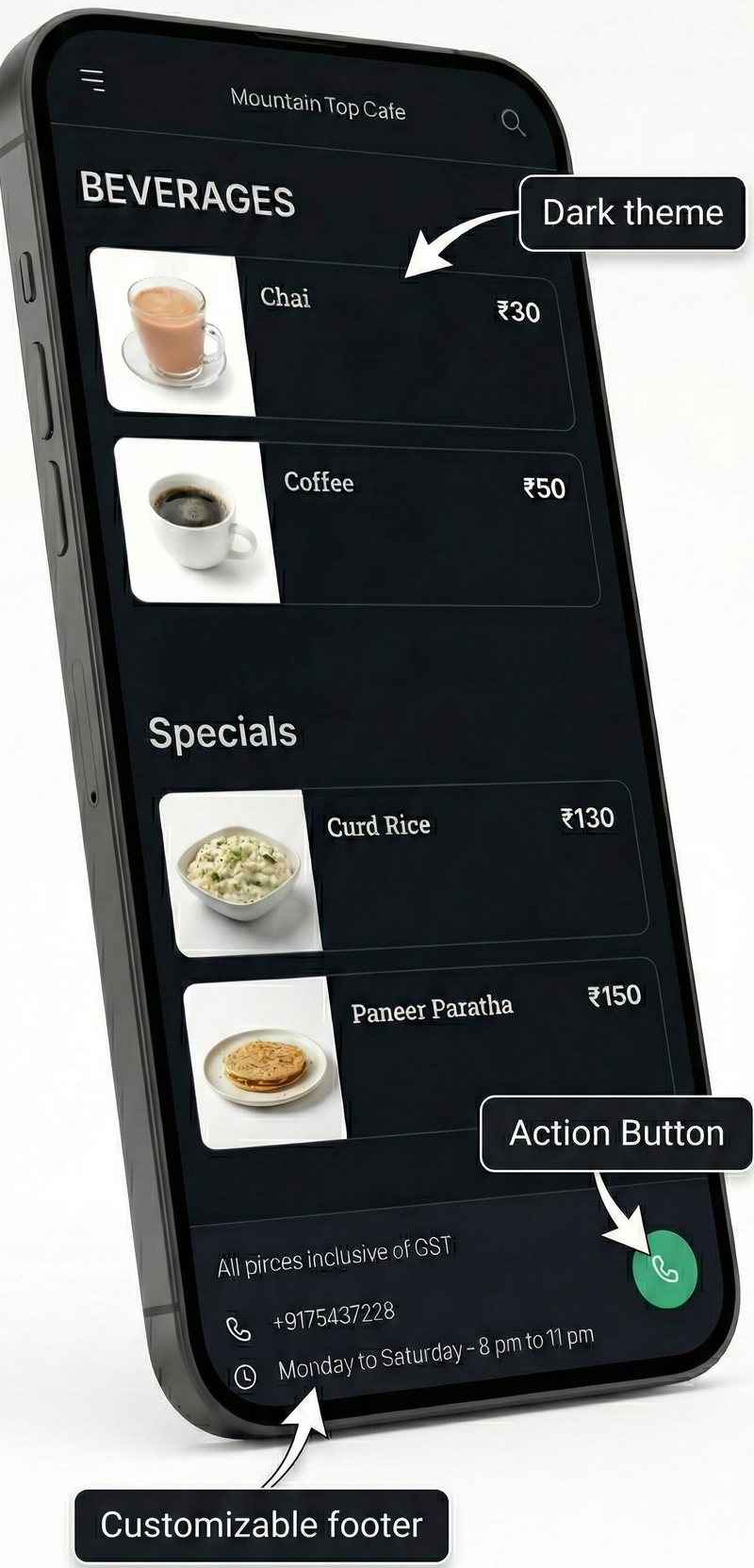
Dark or light theme, your opening hours, and a tap-to-call button right in the menu footer.
“This is an amazing app. Inexpensive and VERY user friendly. I run a small snack bar, and this app has been amazing. Customer support is fast. And, the programmers are quick to make changes, improving the app on a regular basis. I highly recommend this app to any small business owner!”
“A very successful app that added value to my business. With AI support, I moved my menu to digital. I recommend it.”
“I had a technical issue and the SaveMenu team solved it within 24 hours. It helps every small business serve its menu to customers.”
Pricing
Less than a latte a week
No upfront costs. No hidden fees. Start free and upgrade when the orders come in.
Free
Your whole menu, free forever. No trial clock, no card.
- AI menu creation from a single photo
- Unlimited dishes, sections and photos
- 5 AI photo enhancements a month
- QR code, table signs and print packs
- Featured dishes, themes and instant updates
- Orders from up to 10 guests a month
Plus
For when your menu starts taking orders. Everything in Free, plus:
- Unlimited orders: table, takeaway and WhatsApp
- Kitchen Display and order alerts with no monthly cap
- Call a waiter and bill requests
- Guest and dish insights
- 50 AI photo enhancements a month
- Remove the SaveMenu badge from your menu
Plus is priced for your country and billed in your currency by Google Play. Pay yearly and get 3 months free. Cancel anytime.
FAQ
Questions, answered
How does AI menu creation work?
Snap a photo of your existing menu. AI extracts dish names, descriptions, and prices automatically and builds a digital draft in seconds. You review and adjust it in the app.
What kind of photos does the AI enhance?
Any photo, including quick smartphone shots of your dishes. AI improves lighting, color, and composition so they look professional while keeping the dish true to life.
Do my customers need an app?
No. Guests scan the QR code with their phone camera and the menu opens instantly in their browser.
Can I update prices easily?
Yes. Updating items, prices, or photos takes a few taps in the SaveMenu Android app, and changes go live instantly on every table.
Can customers order through the menu?
Yes. Guests can place dine-in or takeaway orders right from the menu, or send them to your WhatsApp. Pair the Kitchen Display with any screen and orders appear in your kitchen instantly. On Free, ordering works for up to 10 guests a month; Plus makes it unlimited.
Can guests call a waiter from the menu?
Yes, on a paid Plus plan. Guests tap the button on your menu to call staff or ask for the bill, and your phone gets an alert with the table number. When you tap "On my way", the guest sees that someone is coming.
What is free, and what does Plus add?
Your menu is free forever: AI menu creation, unlimited dishes and photos, QR codes and table signs, featured dishes, and 5 AI photo enhancements a month. Ordering is free for up to 10 guests a month. Plus removes that limit and adds call a waiter, guest and dish insights, 50 AI photo enhancements a month, and removes the SaveMenu badge.
How much does Plus cost?
Plus is priced for your country, and Google Play shows the exact price in your local currency before you pay. The yearly plan gives you 3 months free. There is no free trial and no need for one: Free has no time limit, so you upgrade only when guests start ordering.
What if I need help?
Reach us through the support button in the app. We usually resolve issues within 24 hours.